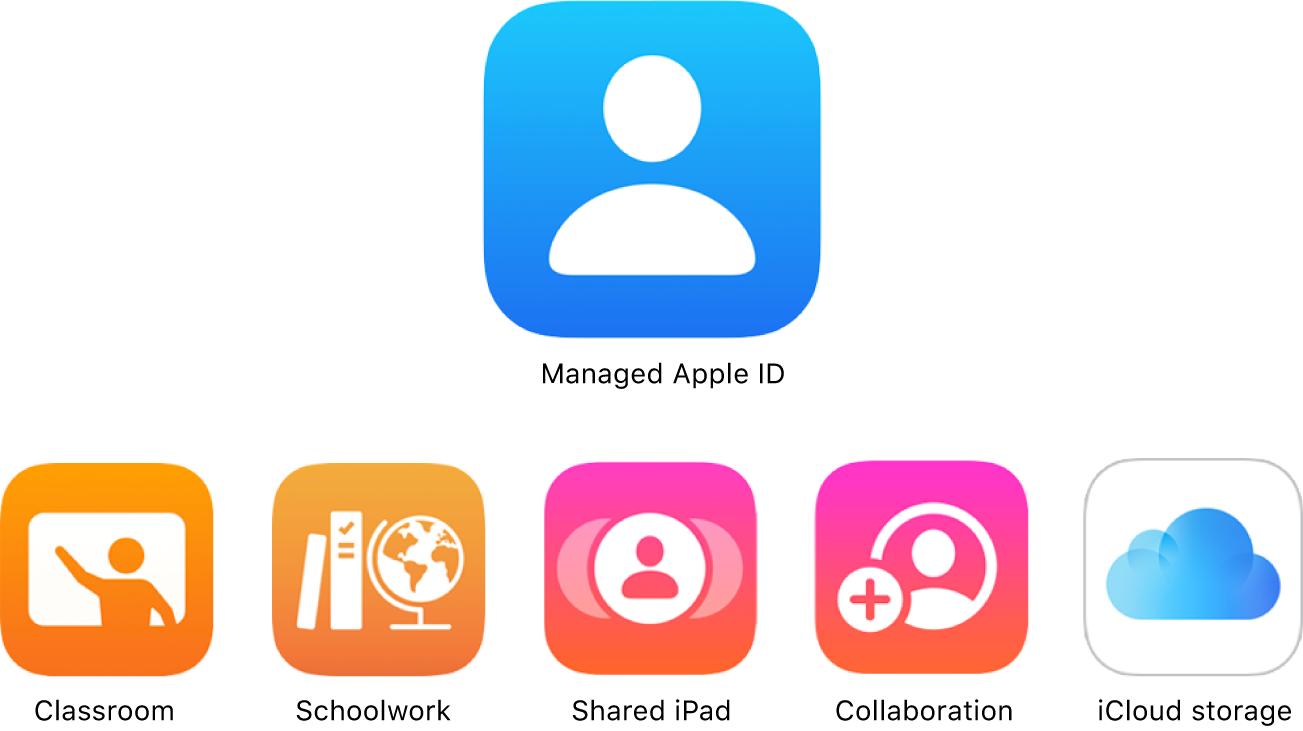
What Are Managed Apple IDs:
Managed Apple IDs are Apple IDs that are created and controlled by an organization or institution for their employees, students, or members. These accounts are distinct from personal Apple IDs that individuals create for their personal use.
Managed Apple IDs can be a valuable asset when used in conjunction with Microsoft Intune as an MDM (Mobile Device Management) solution. Here are some use cases where Managed Apple IDs make sense and where they may not be necessary in relation to Microsoft Intune.
The Benefits and Restrictions of Service Access
- Control: Managed Apple IDs are tethered to the organization, allowing administrators to reset passwords, assign roles, and manage service access.
- Exclusions: Features such as Apple Pay and specific iCloud services are restricted to ensure alignment with data security protocols.
Just for the overview:
| Services | Personal Apple ID | Managed Apple ID |
| Apple Pay | Yes | No |
| iCloud Mail | Yes | No |
| iCloud Family Shareing | Yes | No |
| iCloud Keychain | Yes | No (Limited to Shaed iPads) |
| App Store | Yes | No (Can´t install, but view) |
| iTunes Store | Yes | No (Can´t install, but view) |
| Apple Books | Yes | No (Can´t install, but view) |
| Find My | Yes | No |
| Sidecar | Yes | No |
| Home | Yes | No |
Use Cases Where Managed Apple IDs Make Sense with Microsoft Intune:
- Educational Institutions: Schools and universities use Managed Apple IDs to provide students and faculty with access to educational content and apps while managing and securing devices in a classroom or remote learning environment.
- Healthcare: Healthcare organizations utilize Managed Apple IDs to ensure the security and privacy of patient data on devices used by medical staff. This is critical for compliance with healthcare regulations.
- Retail: Retail businesses may deploy Managed Apple IDs for store employees to access inventory systems, communication apps, and point-of-sale (POS) software securely.
- KIOSK Devices: In environments where kiosk devices may use Managed Apple IDs to access inventory management apps, provide product information, or facilitate self-checkout processes.
Use Cases Where Managed Apple IDs May Not Be Necessary with Microsoft Intune:
- Small Businesses: In very small businesses with minimal IT resources and a limited number of Apple devices, the complexity of managing Managed Apple IDs may not be justified.
- Personal Devices: When employees or users are allowed to use their personal Apple IDs on company-owned devices, Managed Apple IDs may not be necessary, but Microsoft Intune can still be used to manage and secure those devices.
Managed Apple IDs with Azure AD
Managed Apple IDs can integrate with Azure Active Directory (Azure AD), which is Microsoft’s cloud-based identity and access management service. This integration provides several benefits for organizations that use both Azure AD and Apple devices. Here are the key advantages:
- Single Sign-On (SSO): Azure AD integration allows users to sign in to their Apple devices and apps using their Managed Apple ID credentials. This provides a seamless and consistent login experience across both Apple and Microsoft services.
- User Account Management: Azure AD allows for easy user account provisioning and deprovisioning. When a user’s status changes (e.g., onboarding or offboarding), their Managed Apple ID can be managed and controlled through Azure AD, ensuring timely updates.
- Password Policies: You can enforce password policies and security requirements for Managed Apple IDs through Azure AD. This includes password expiration, complexity rules, and MFA enforcement.
Conclusion
Managed Apple IDs, especially when synergized with Microsoft Intune and Azure AD, offer unparalleled device management and security benefits for organizations. But is not necessary the best fit in all situations.