I use Microsoft Edge Profiles heavily in my daily work.
At first, it was just a few profiles:
- Personal
- Internal admin
- Lab environment
- Maybe one or two customer tenants 😉
But over time, the number exploded.
Suddenly I had profiles for different customers, privileged admin accounts, testing environments, labs, security contexts, and temporary projects. And honestly, Edge Profiles are fantastic for keeping all of this separated.
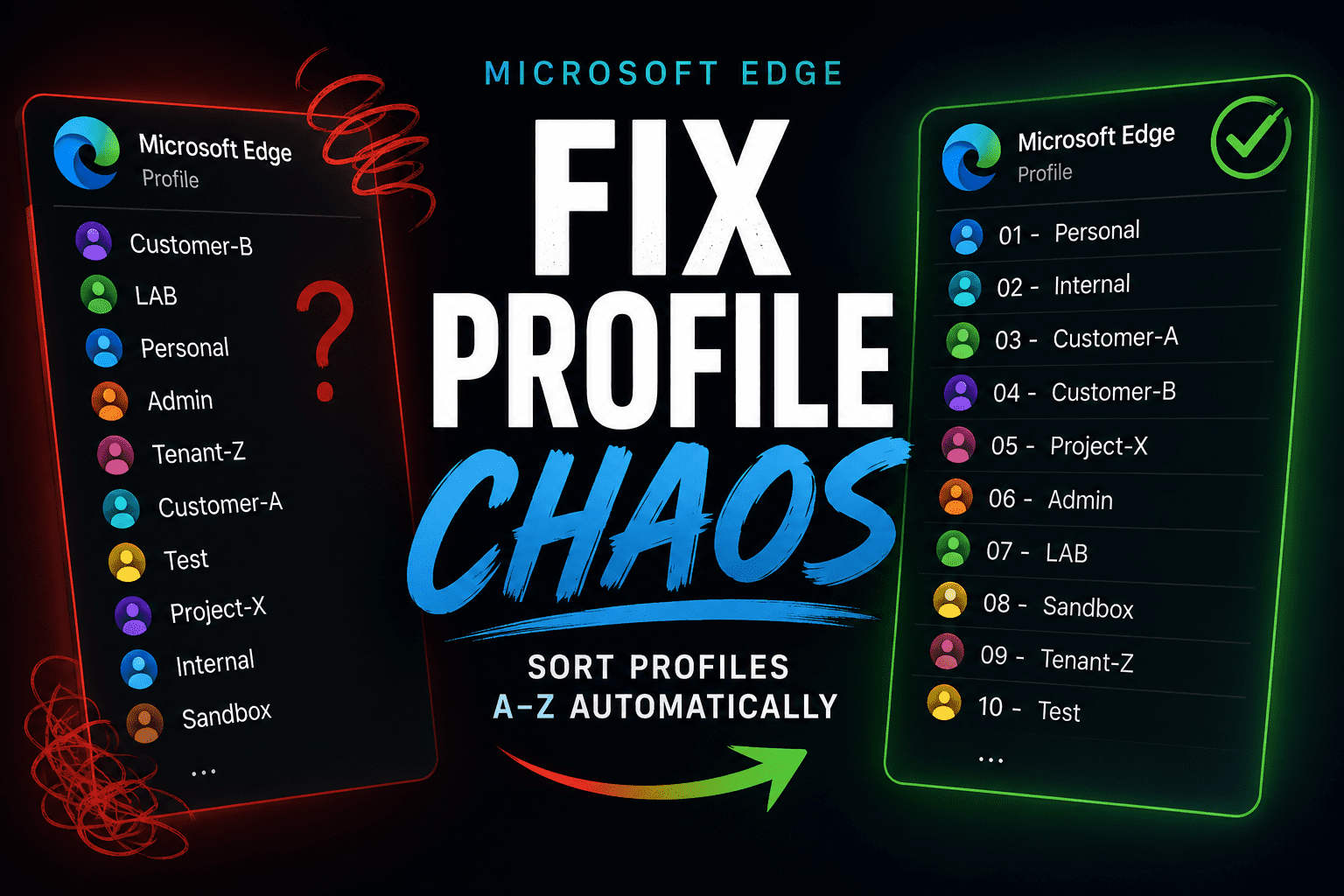
“Why are these profiles not sorted alphabetically?!”
No matter how many times I renamed the profiles, the ordering in Edge still felt completely random. Some older profiles always stayed near the top, newer ones appeared in strange places, and there was seemingly no logic behind it.
I assumed I had missed some hidden setting.
Turns out… there really isn’t one.
What’s Actually Happening
After digging into the Edge configuration files a bit, it became clear that Edge does not really sort profiles by the visible profile name.
Internally, Edge stores profiles more like this:
Profile 1
Profile 2
Profile 3
The names we see in the UI are mostly just labels attached to those internal profiles.
So even if you rename:
Profile 12 → Customer-AEdge still internally thinks of it as:
Profile 12Which explains why the profile selector often follows the original creation order rather than alphabetical sorting.
Honestly, once you see it, the behaviour suddenly makes a lot more sense.
The Workaround That Actually Works
After trying to manipulate Edge’s internal configuration directly, I eventually landed on a much simpler solution:
Numeric prefixes.
Instead of naming profiles:
Customer-A
Customer-B
LAB
Personal
I renamed them like this:
01 - Personal
02 - Internal
03 - Customer-A
04 - Customer-B
05 - LAB
And instantly everything became easier to navigate.
Not only does it force predictable sorting, but it also scales surprisingly well once you have many profiles.
Automating It
Of course, manually renaming dozens of profiles is annoying.
So I ended up creating small scripts for both macOS and Windows that:
- back up the Edge configuration
- read all existing profiles
- sort them alphabetically
- automatically prepend the numbering
This way the entire structure can be reorganised in seconds.
What I Realised Afterwards
At some point, I stopped thinking about Edge Profiles as “browser profiles” and started treating them more like operational workspaces.
Because once you work across many tenants, environments, and administrative contexts, the profile structure itself actually becomes important.
Today my setup is structured more intentionally:
00 - Personal
...
10 - Internal
11 - LAB
...
20 - Customer-A
21 - Customer-B
22 - Customer-C
And honestly, this feels much more manageable than relying purely on alphabetical naming.
The tool makes it easier to build structured Edge Favorites configurations that can be deployed via Intune or used across multiple Edge Profiles and environments.
Especially when working across many tenants, having consistent bookmarks and profile structures saves a surprising amount of time.
Please see more about this on my article about the tool here.
Final Thoughts
Microsoft Edge Profiles are incredibly powerful, especially for consultants, administrators, and security-focused roles.
But it’s pretty clear that profile management was never really designed for people running dozens of profiles simultaneously.
Until Microsoft introduces proper profile sorting and grouping, numeric prefixes are probably the cleanest workaround I’ve found.
Scripts will be available on my GutHub here.